
Microsoft 365 Step-by-Step Tutorials
Microsoft 365 Step-by-Step Tutorials designed to help you understand Entra ID, Azure, Active Directory, and core IT administration skills. Learn identity, access management, cloud security, and troubleshooting with clear, practical guides created for beginners and IT professionals.
Our tutorials simplify complex Microsoft technologies so you can build real-world technical confidence. Whether you are preparing for an IT job, mastering system administration, or managing cloud workloads, you’ll find easy-to-follow explanations, screenshots, videos, and hands-on examples.
Learn IT, Cloud & Microsoft Technologies — Clearly Explained
Step-by-step tutorials on Microsoft 365, Entra ID, Azure, Active Directory, Cloud Computing, Troubleshooting, and Interview Questions.

Popular Categories
Microsoft 365
Guides for Exchange Online, Outlook, Teams, and admin tasks — email, calendars and service configuration.
View Tutorials →Entra ID / Identity
User accounts, groups, RBAC, MFA, and identity patterns — practical step-by-step identity guides.
Explore Entra ID →Active Directory
Domain design, user lifecycle, GPO, OU structure and AD best practices for enterprise environments.
Active Directory →Azure
Cloud services, networking, VMs, storage, and platform services — practical tutorials and demos.
Learn Azure →Cloud Computing
Cloud fundamentals, architecture, CompTIA Cloud concepts, and design patterns for reliable systems.
Cloud Guides →Interview Questions
Get questions and answers asked in interview related to Microsoft Services.
Interview Questions →Latest Tutorials in These Paths
Here are the most recent step-by-step tutorials from the learning paths above.
Build Your Free SC-300 Lab: Microsoft Entra Tenant, P2 Trial and Azure (Step by Step)
Part 2 of the SC-300 Microsoft Identity and Access Administrator series You cannot pass SC-300 by reading alone. The exam expects you to know how tenants, users, licenses, Conditional Access and Privileged Identity Management behave in a real directory, and the fastest way to learn that is to break things in a lab that costs… Learn Now →

SC-300 Exam Guide: Skills Measured, Study Plan and Free Resources
Part 1 of the SC-300 Microsoft Identity and Access Administrator series Identity is now the front door to almost everything a company runs, and the people who protect it are in demand. If you want to prove those skills, the SC-300 exam is the way to do it. It leads to the Microsoft Certified: Identity… Learn Now →

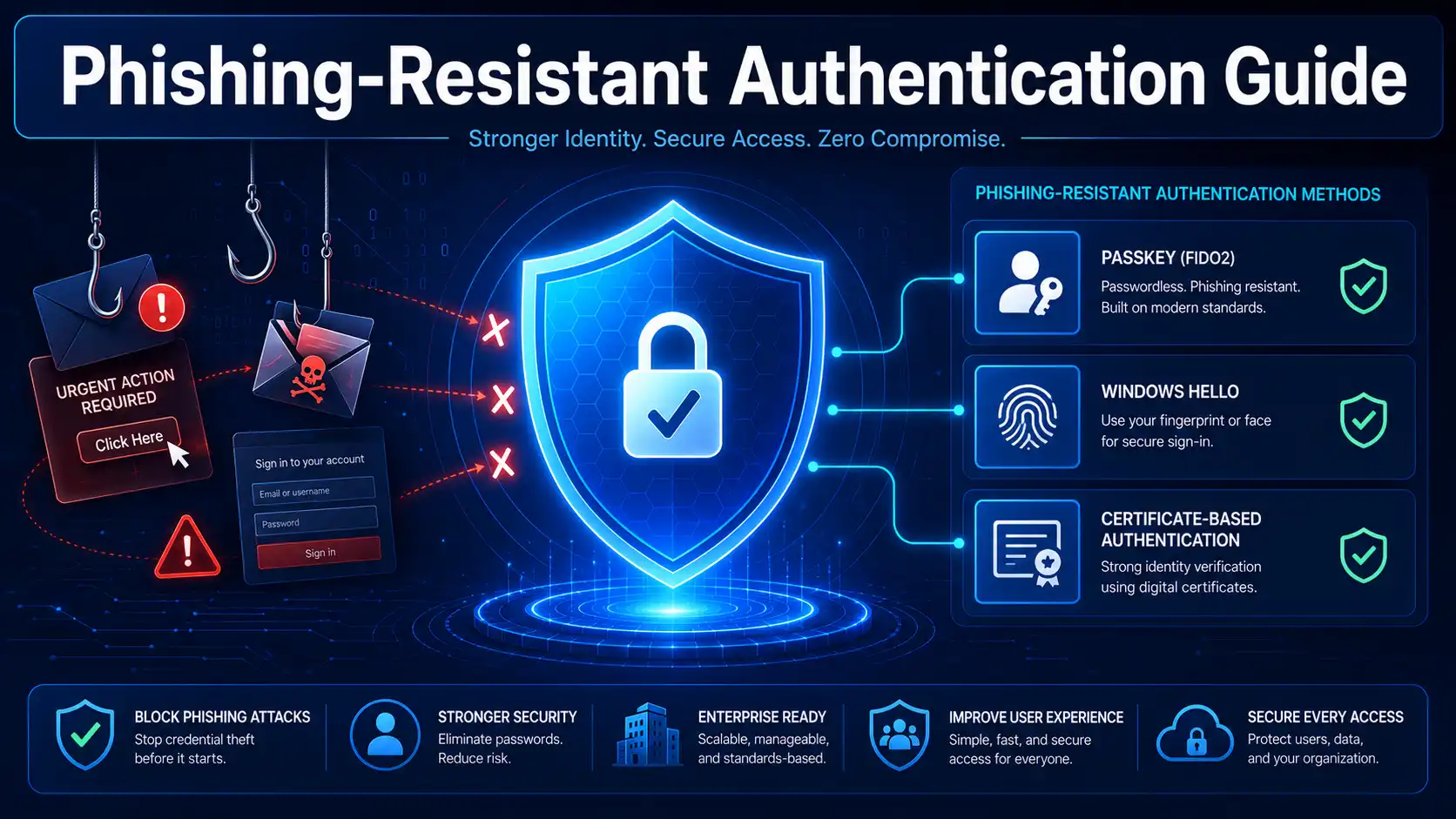
The Complete Guide to Phishing-Resistant Authentication in Entra ID
What Is Phishing-Resistant Authentication? Imagine this scenario: A user receives an email that appears to be from your IT helpdesk. It asks them to verify their credentials by clicking a link and signing in to a convincing replica of your corporate login page. The user complies. Within minutes, an attacker has their username, password, and… Learn Now →
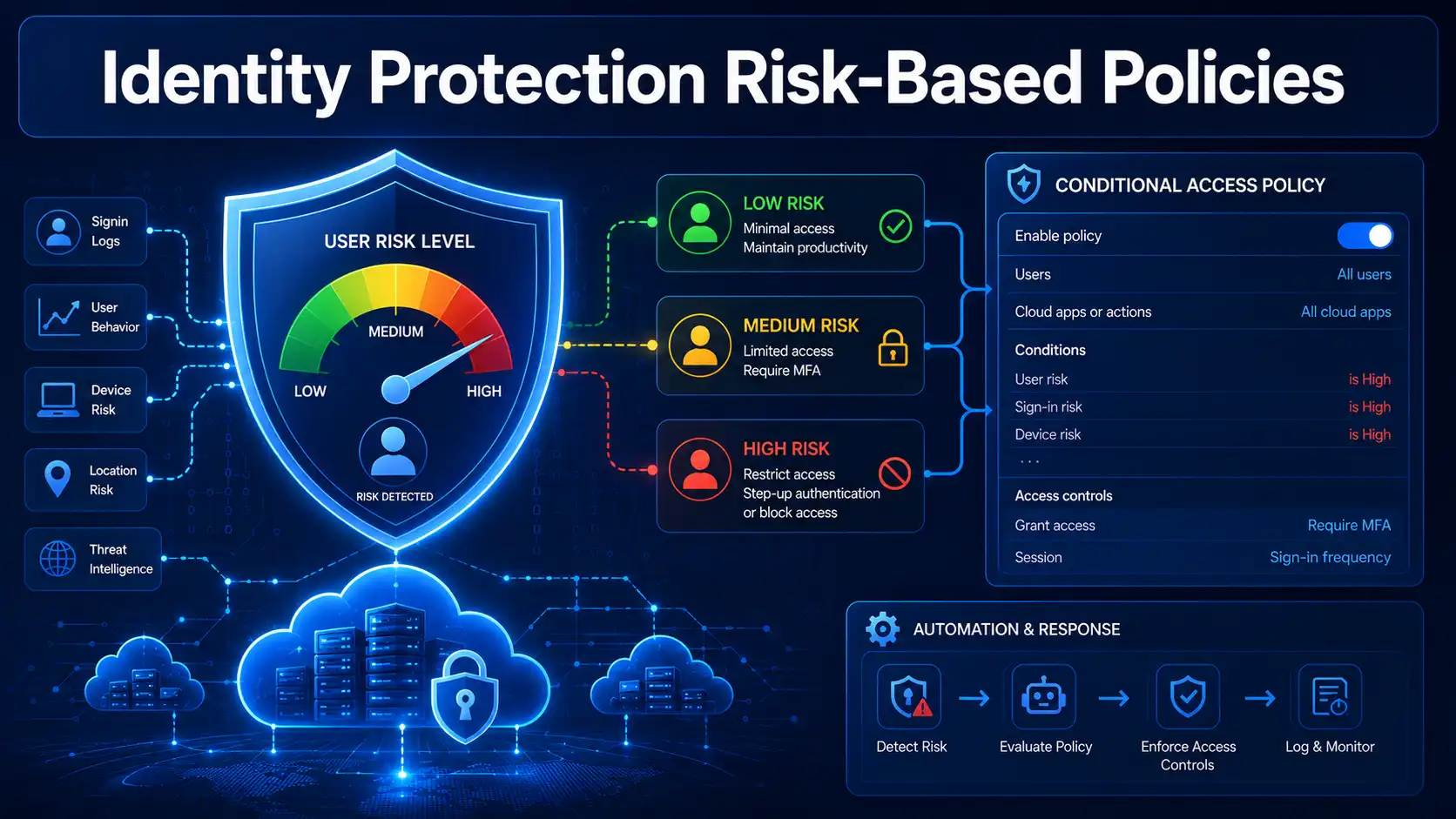
Entra ID Identity Protection: Risk-Based Conditional Access Policies
What Is Entra ID Identity Protection? Imagine this scenario: An employee’s credentials are leaked in a third-party data breach. The attacker now has a valid username and password. They attempt to sign in from an unfamiliar location using a suspicious device. In a traditional security model, the attacker might succeed—credentials alone are often enough to… Learn Now →
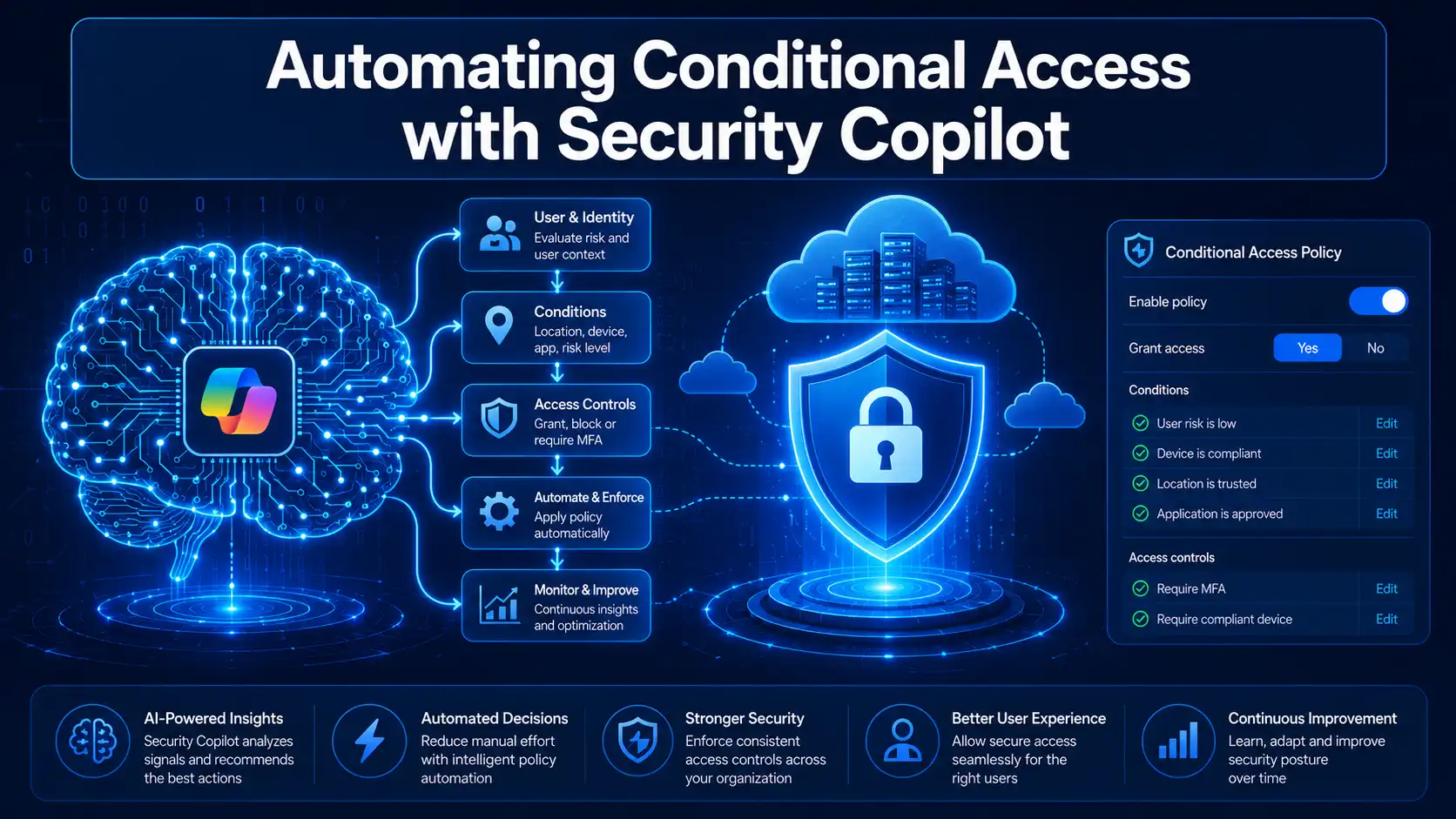
Automating Conditional Access Policy Management with Microsoft Security Copilot
What Is the Conditional Access Optimization Agent? Imagine this scenario: Your organization has just rolled out a new Line-of-Business application. Your security team is confident that Conditional Access policies are protecting it—until a routine audit reveals that three new user accounts were added to the system last week, and none of them are covered by… Learn Now →
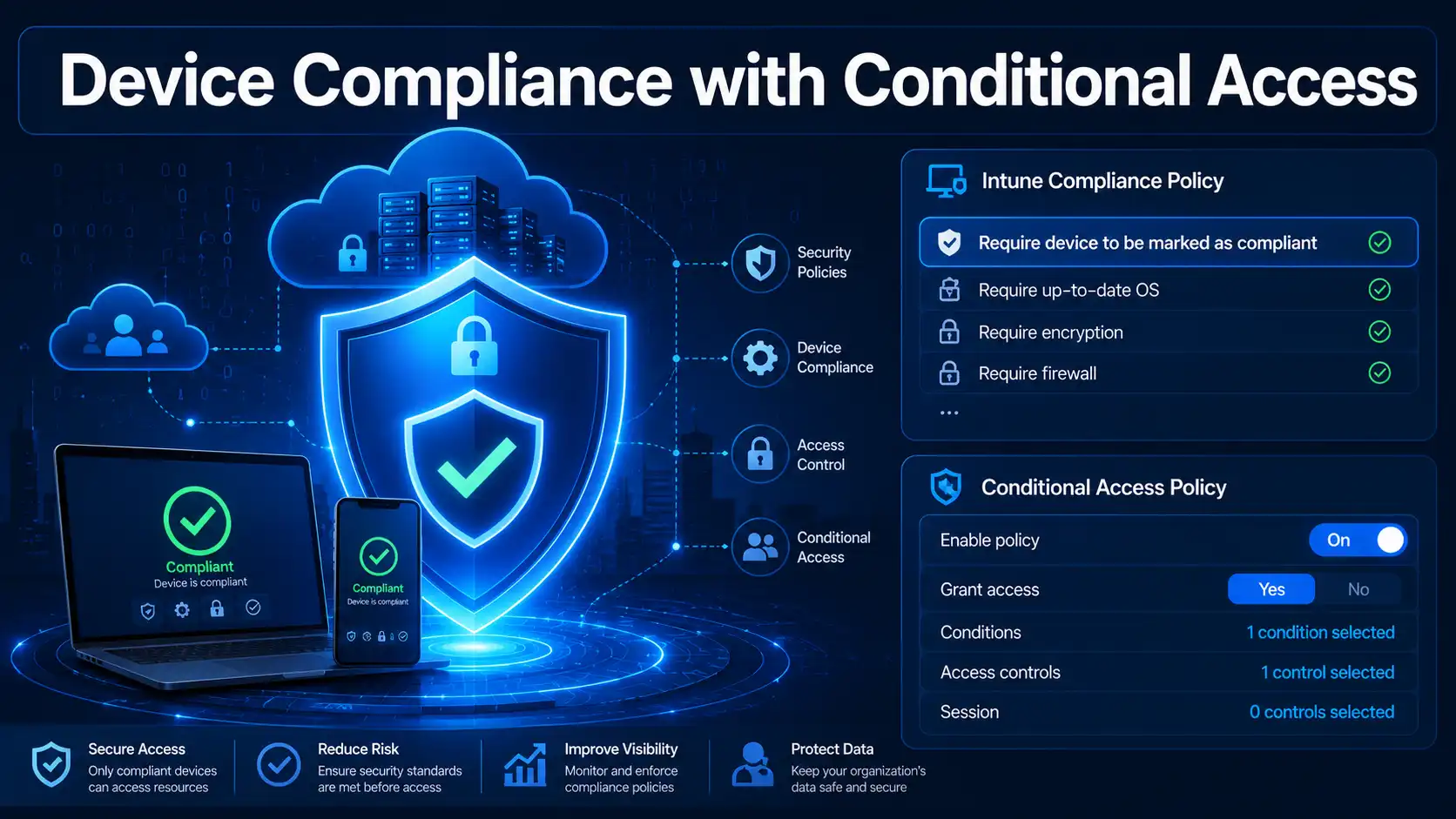
Implementing Device Compliance with Conditional Access and Intune
What Is Device Compliance with Conditional Access? Imagine this scenario: A user’s credentials are compromised through a phishing attack. The attacker now has a valid username and password. They attempt to sign in from an unmanaged, personal device that lacks antivirus protection, has an outdated operating system, and is riddled with vulnerabilities. In a traditional… Learn Now →
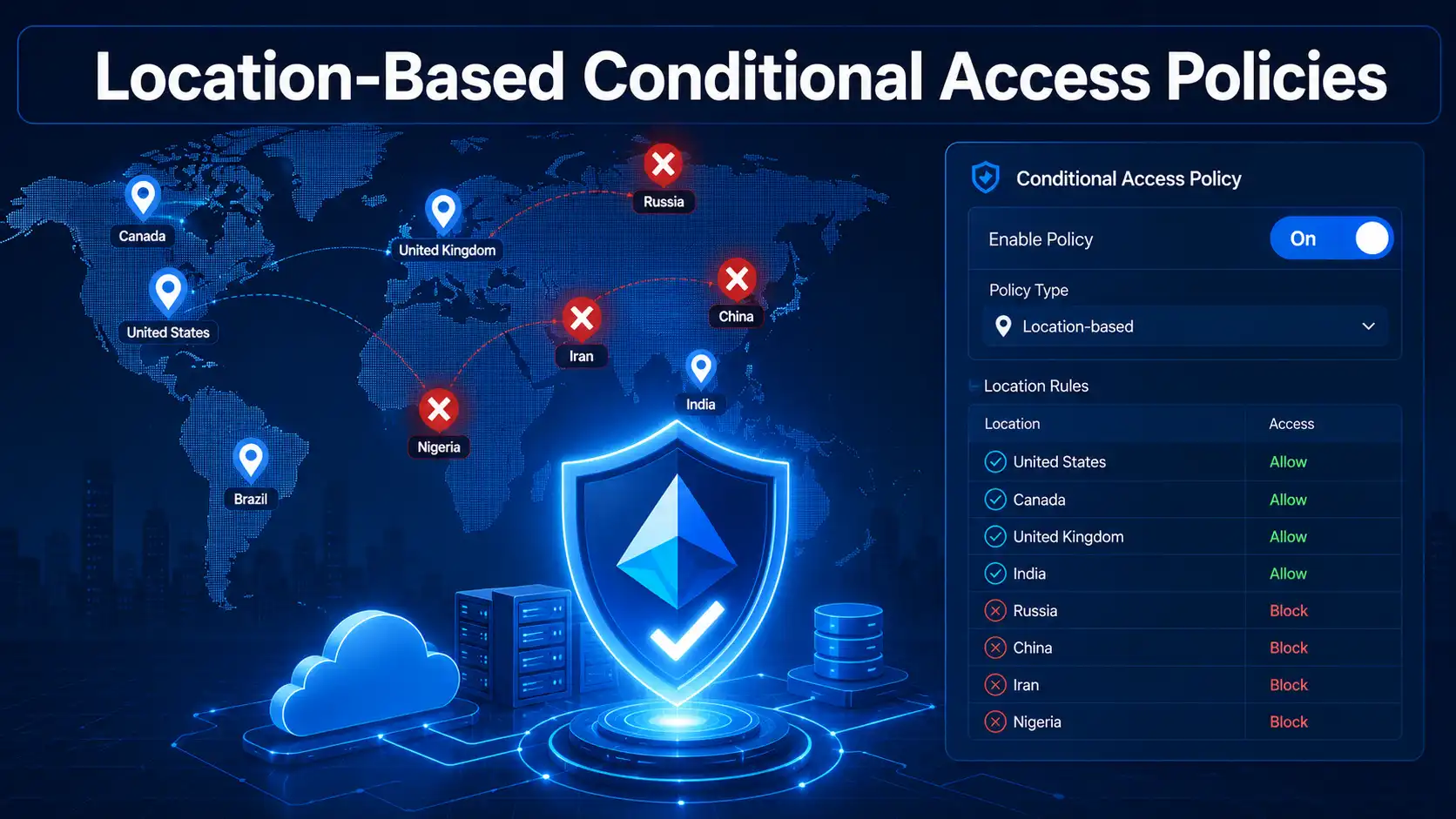
How to Configure Location-Based Conditional Access Policies
What Are Location-Based Conditional Access Policies? Imagine this scenario: You receive a sign-in alert from Microsoft Entra ID at 3:00 AM. A user from your New York office has just authenticated from an IP address in Russia. Your heart sinks. Is this a compromised account? A traveling employee? Or something more sinister? This is exactly… Learn Now →
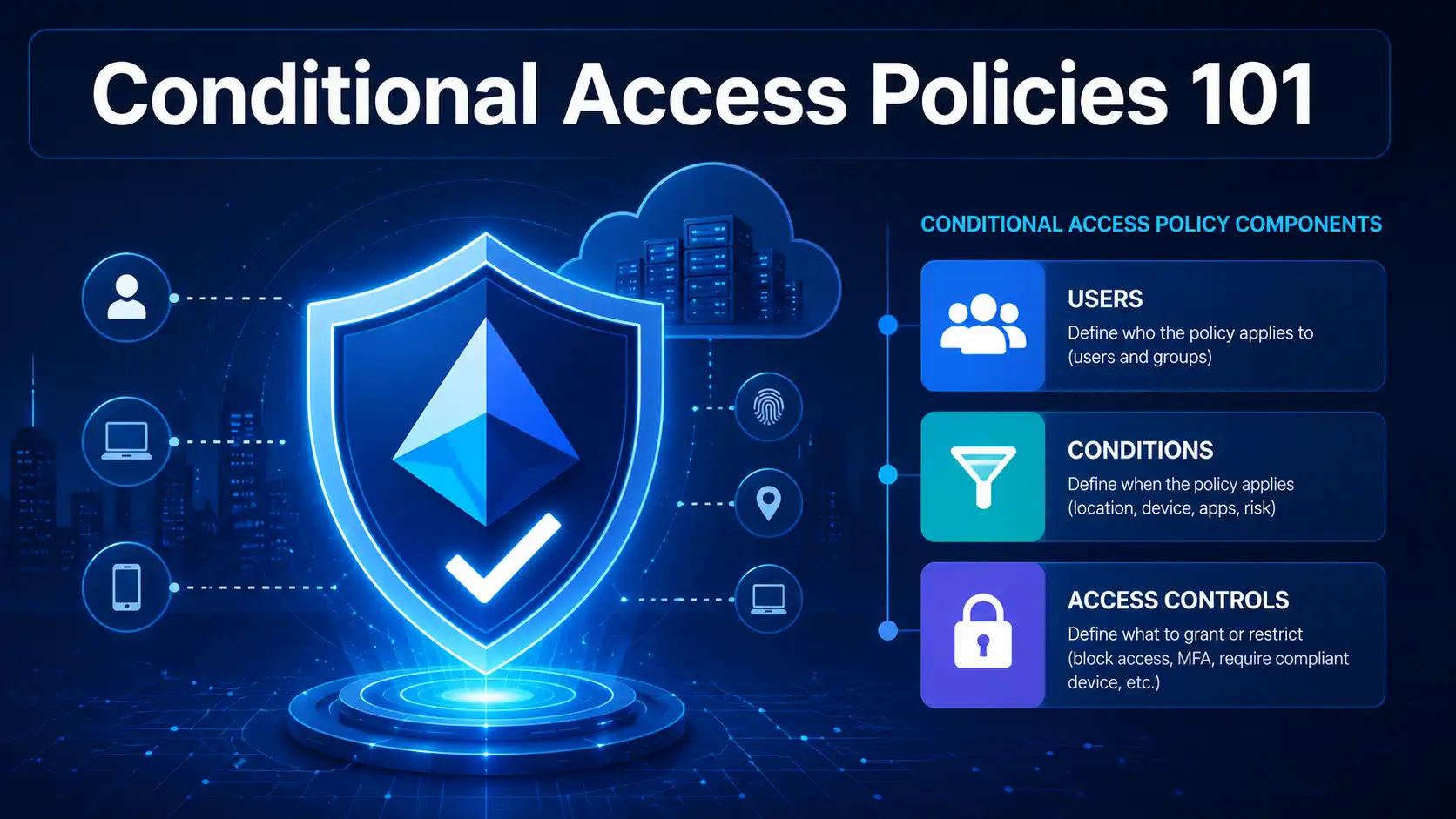
Conditional Access Policies 101: A Beginner’s Guide to Zero Trust
What Are Conditional Access Policies? If you are new to Microsoft Entra ID security, the term “Conditional Access policies” might sound intimidating. You might be wondering: What exactly are they? How do they work? And why does every security expert keep telling you that you need them? Let me break it down in the simplest… Learn Now →
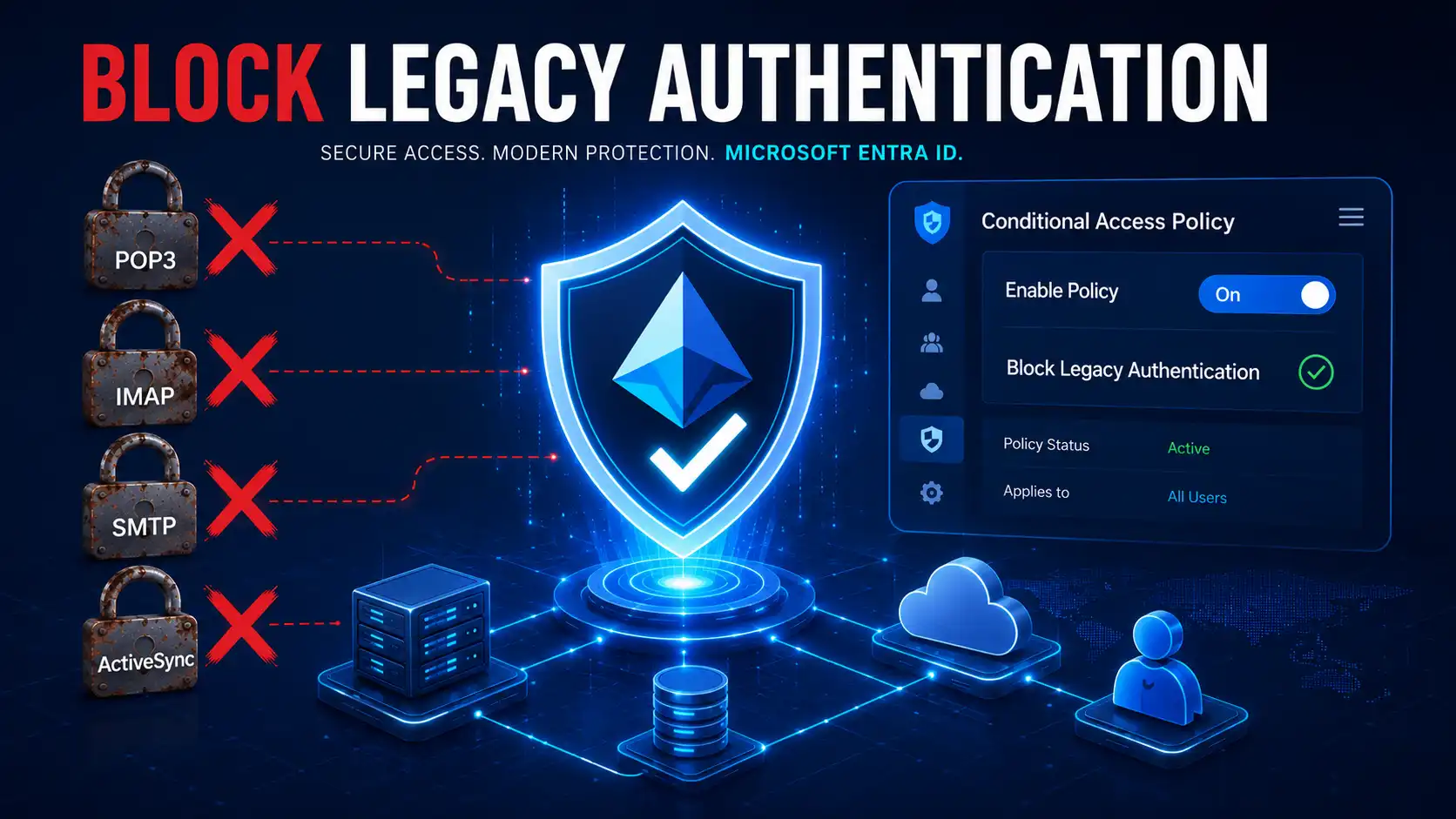
How to Block Legacy Authentication in Entra ID with Conditional Access
The Hidden Gateway: Why You Must Block Legacy Authentication Now If you are a Microsoft 365 administrator, you have likely invested significant time and budget into securing your digital estate. You’ve enabled Multi-Factor Authentication (MFA) for your users, rolled out Microsoft Defender for Office 365, and perhaps even implemented a Zero Trust network architecture. Yet,… Learn Now →
⭐ What You’ll Learn
- Microsoft 365 administration and productivity tools
- Entra ID identity management, RBAC, MFA, and SSO
- Azure cloud concepts and practical configurations
- Active Directory, DNS, DHCP, Group Policy & hybrid identity
- IT troubleshooting, system security & best practices
🎓 Why Learn with BYQUS?
We focus on clarity, simplicity, and real-world practicality. Every guide is designed to help you understand “why” as well as “how,” so you can confidently manage IT environments and excel in your career.
Start learning today and build a strong foundation in Microsoft 365, Cloud, and IT administration.